Sabr app icon Coming soon to the App Store

Trade scrolling for remembrance.

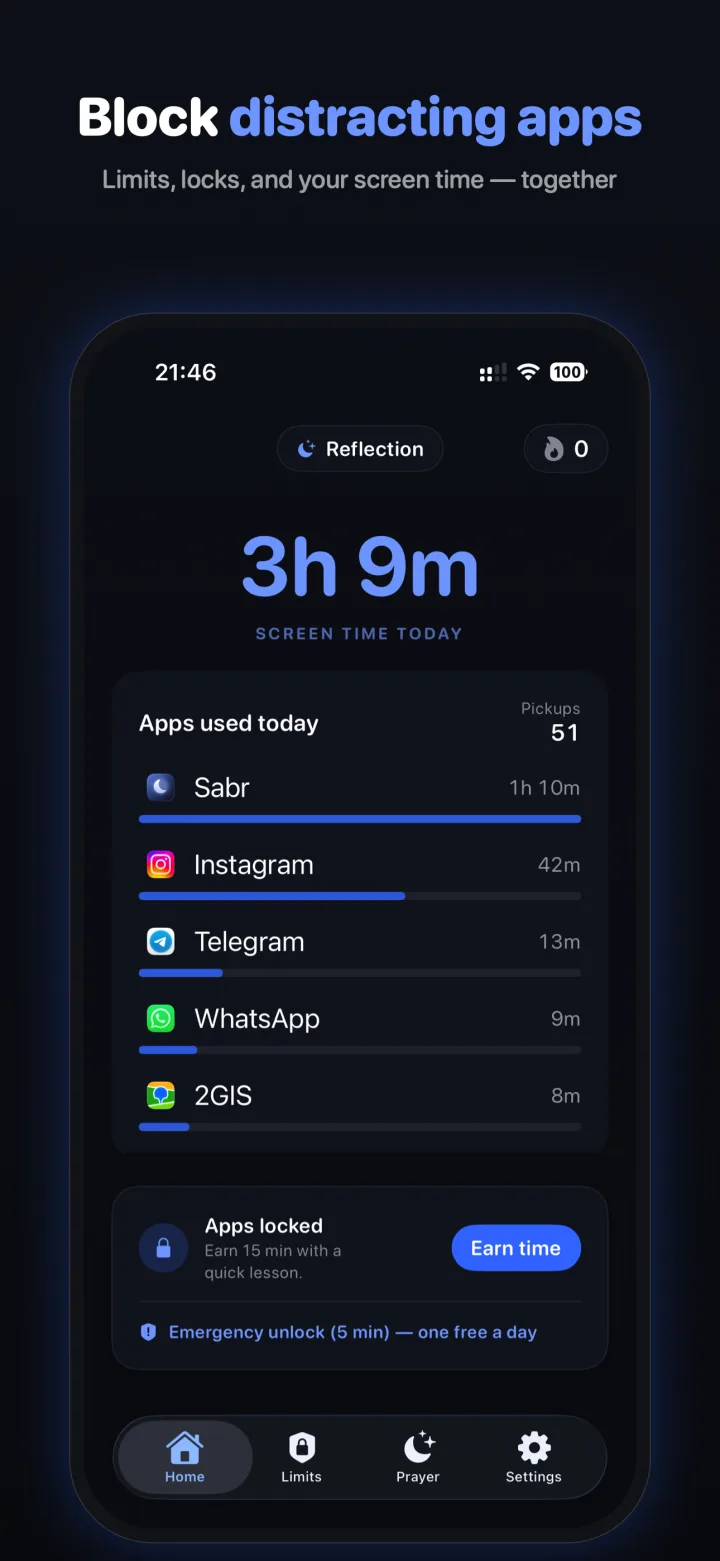
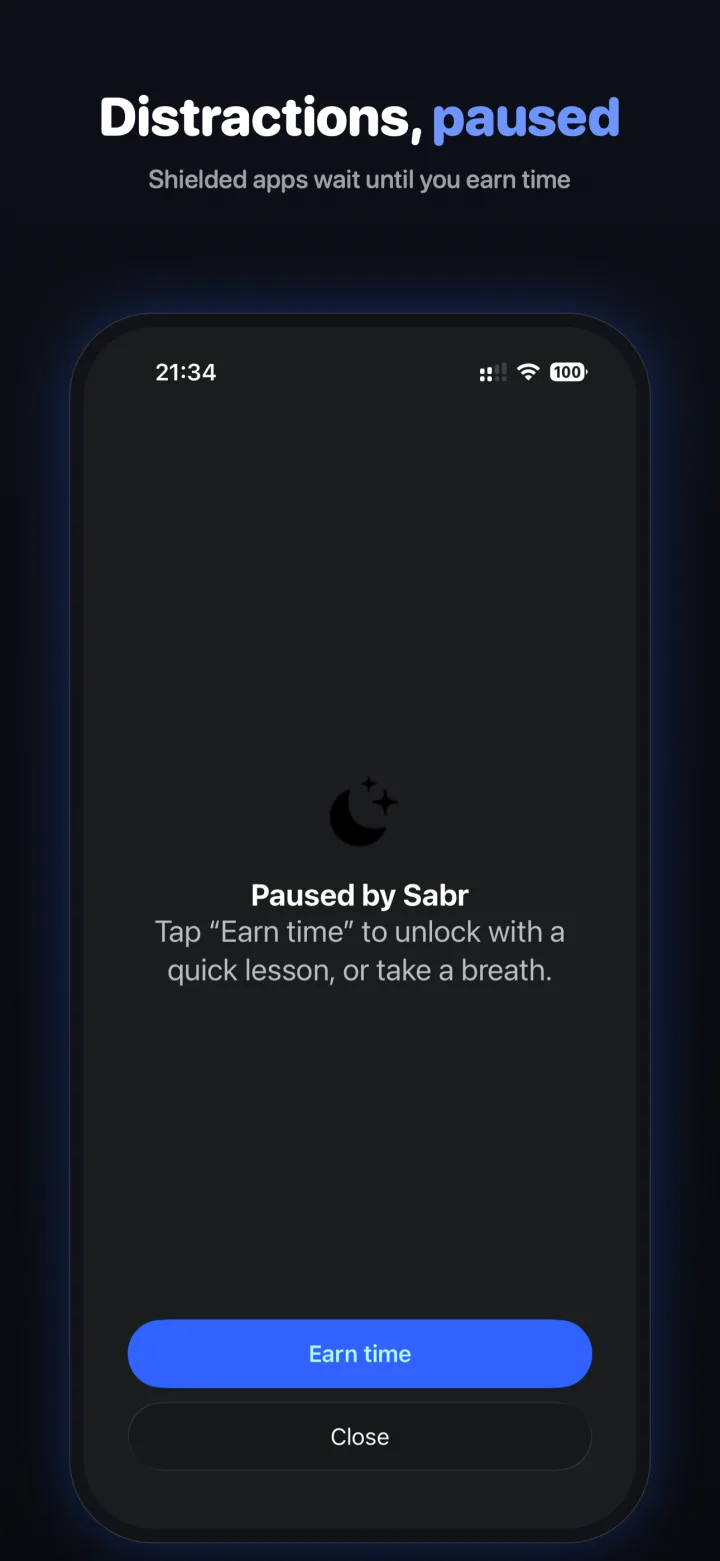
Sabr quietly blocks the apps that pull you in and pauses them for prayer. To unlock screen time, you complete a short Islamic learning challenge — turning every distraction into a small act of patience.

For iPhone · iOS 17 or later · Private by design

See it in action

A calmer home screen.

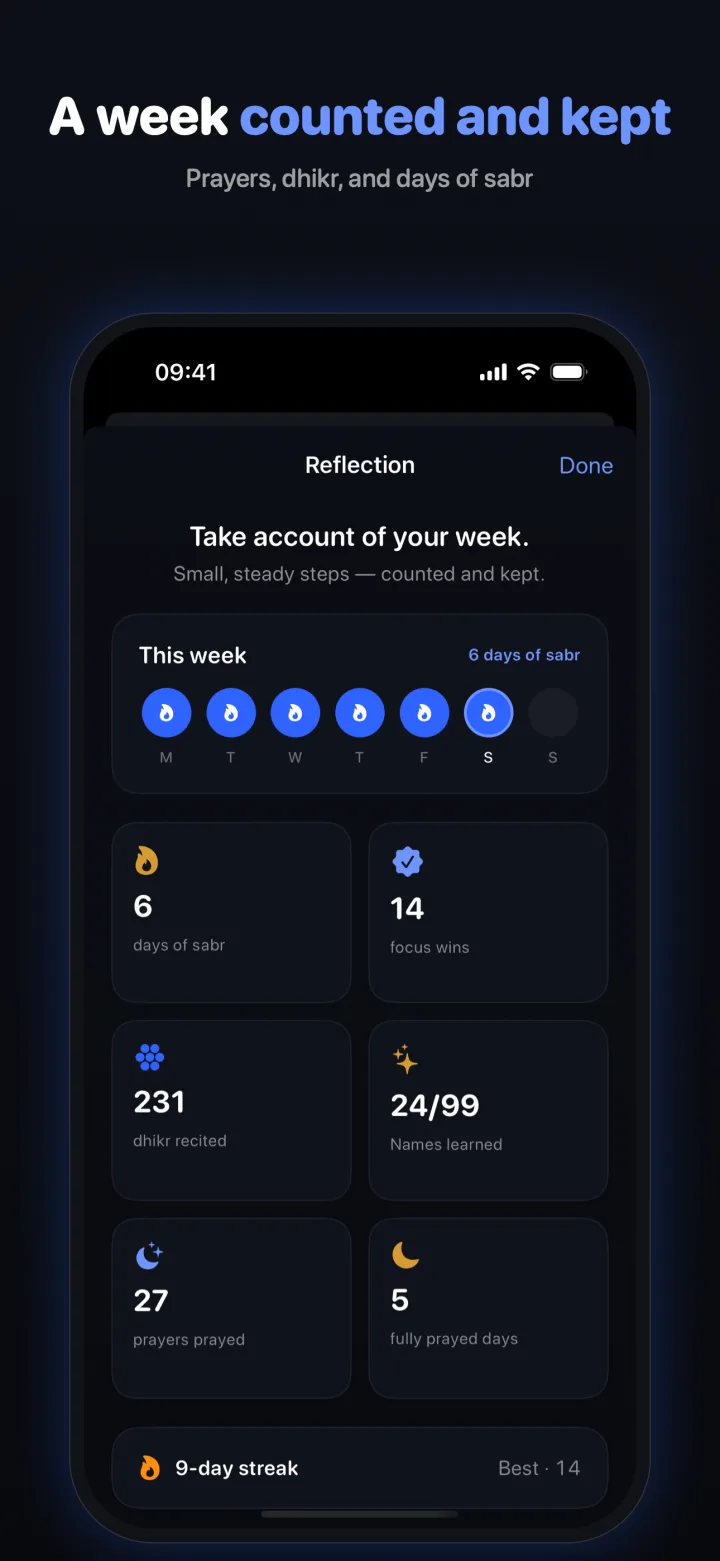
From the moment you open a blocked app to the reflection at the end of your week — here's what Sabr looks like.

Swipe to explore →

How Sabr works

Patience, by design.

No shame, no nagging — just a gentle pause between you and the apps that take your time, and a streak that grows as you do.

1

Choose what to limit

Pick the distracting apps and set your quiet hours. Sabr blocks them using Apple's own Screen Time — nothing leaves your phone.

2

Complete a challenge

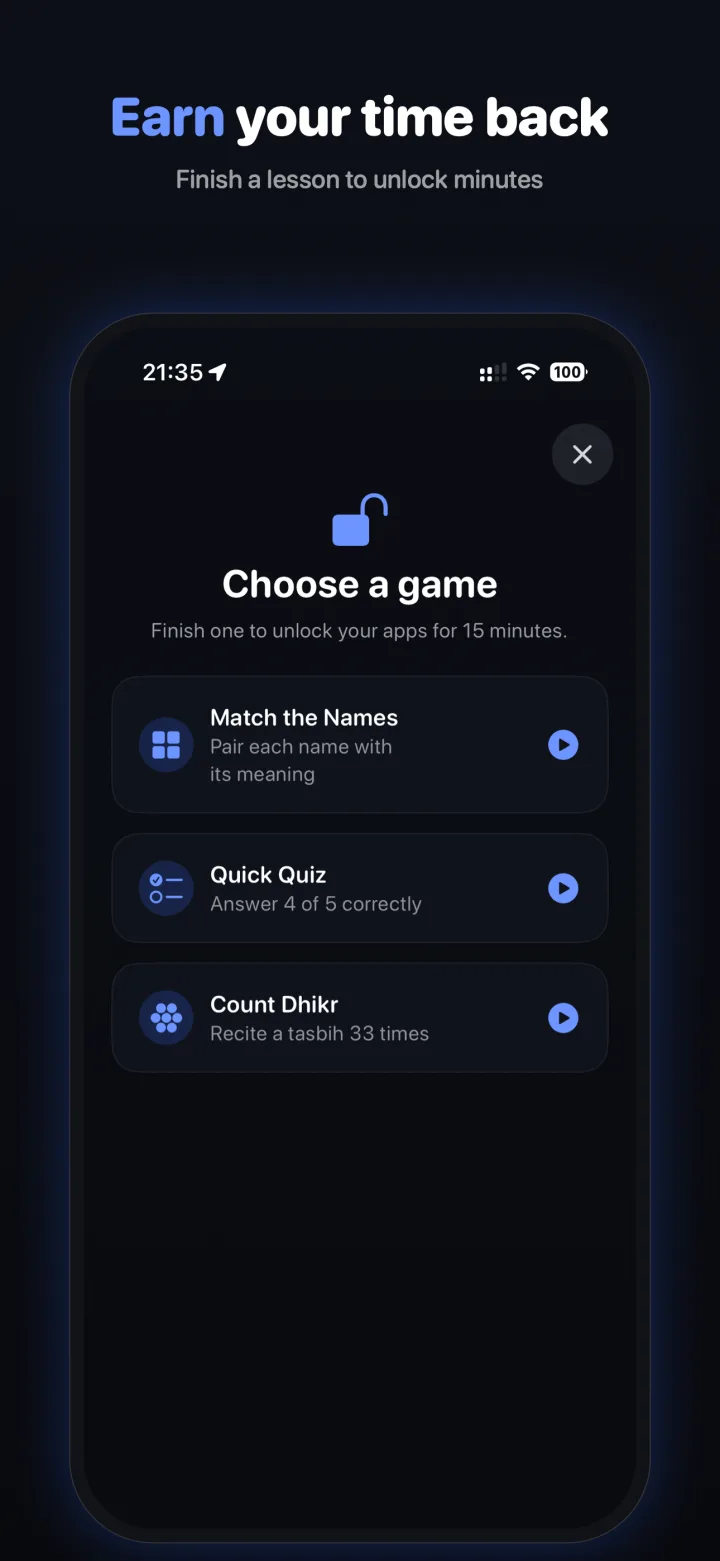
When you reach for a blocked app, play a short Quiz or Match on what you're learning to earn a window of access.

3

Build your streak

Every day under your limit grows your streak and earns badges — while every unlock teaches you something lasting.

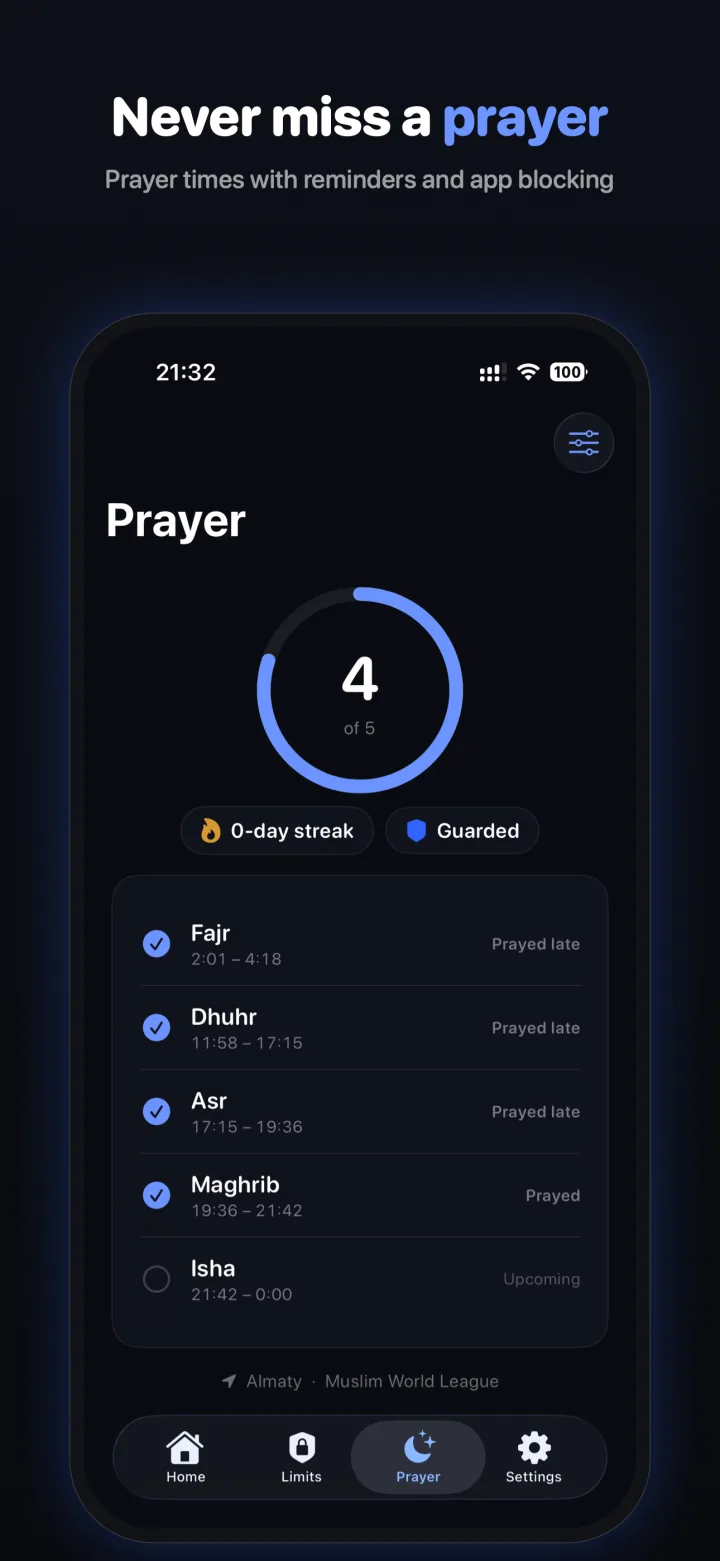
Sabr's Prayer screen tracking four of five daily prayers with times, a streak, and a Guarded badge.
New Prayer Guard

Never miss a prayer.

Sabr tracks your five daily prayers with accurate times for your location — and Prayer Guard quietly pauses your distracting apps at prayer time, until you've prayed.

  • Accurate prayer times for your location, with gentle reminders before each salah.
  • Distracting apps stay paused through the prayer window until you mark it prayed.
  • A prayer streak that grows for every day you keep all five.
  • Times are calculated on your device — your location never leaves your phone.
What's inside

Small app. Big intention.

🕌

A growing library

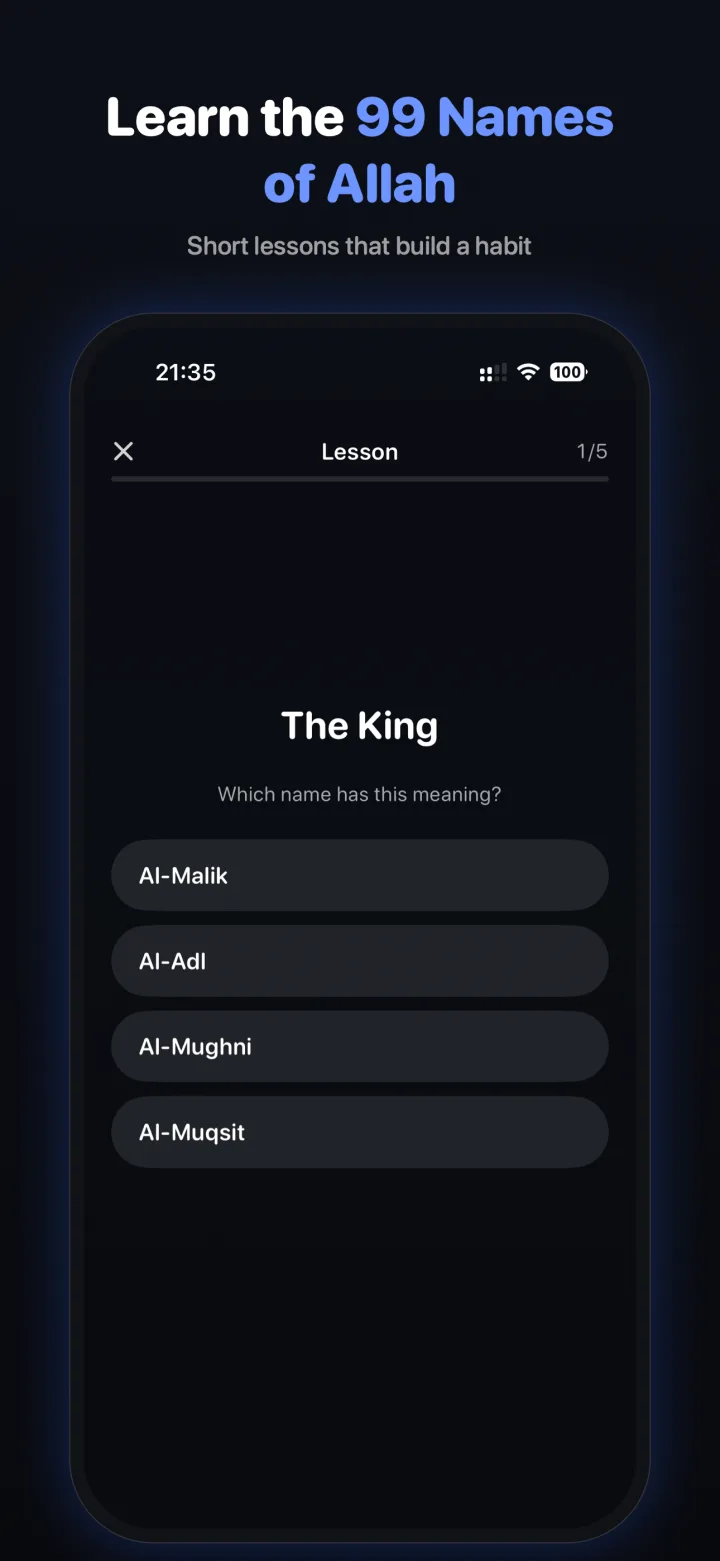
Start with the 99 Names of Allah — with Duas, short Surahs, and Seerah on the way. More reasons to pause and learn.

🔥

Streaks & badges

Stay under your limit to grow your streak and unlock milestone badges. Miss a day? No guilt — just begin again.

🌙

Quiet hours

Set focused windows — for prayer, study, sleep, or Ramadan — when distractions stay closed.

🔒

Private by design

No account, no analytics, no ads, no servers. Everything stays on your device, always.

A growing library

Earn time by learning what lasts.

Every unlock is a short challenge on something beneficial. The 99 Names are just the beginning — more challenges are on the way.

99 Names of Allah

Learn the Most Beautiful Names with their meanings.

Available now
🤲

Daily Duas

Morning and evening supplications.

Coming soon
📖

Short Surahs

Meanings of the surahs you recite in salah.

Coming soon
🕰️

Seerah

The life of the Prophet ﷺ, step by step.

Coming soon
Your data is yours

Nothing leaves your phone.

Sabr has no account system, no tracking, and no servers of its own. Your blocking rules, your progress, and your usage all live only on your device. We literally cannot see them.

No data collected No tracking No ads On-device only
Launching soon

Be the first to know.

We're putting the final touches on Sabr before it arrives on the App Store. Leave your email and we'll let you know the moment it's live.

Questions

Good to know

What does Sabr do?

Sabr blocks the apps that distract you and lets you earn screen time back by completing a short Islamic learning challenge — a quick quiz or memory match. It also tracks your five daily prayers, and Prayer Guard pauses your distracting apps at prayer time until you've prayed. It launches with the 99 Names of Allah, and more challenges (Daily Duas, short Surahs, Seerah) are on the way.

How does Prayer Guard work?

Sabr calculates your five daily prayer times for your location and reminds you before each salah. When a prayer comes in, Prayer Guard pauses your distracting apps for that window and keeps them paused until you mark the prayer as prayed — a gentle nudge to step away and pray. Every day you keep all five grows your prayer streak. Prayer times are computed entirely on your device.

How much does it cost?

The core learn-and-earn features are free. An optional Premium subscription unlocks unlimited app limits and quiet-hours sessions. Pricing is shown in the app before any purchase.

Does Sabr collect any of my data?

No. There is no account, no analytics, and no advertising. Your rules, progress, and usage stay on your device. Read the full Privacy Policy.

Why does it need Screen Time permission?

Sabr uses Apple's Family Controls and Device Activity frameworks to block the apps you choose. This is processed entirely by Apple's system on your device — Sabr never reads the underlying data, and you can revoke it anytime in Settings → Screen Time.

What do I need to run it?

An iPhone running iOS 17 or later. Sabr will be available on the App Store soon.